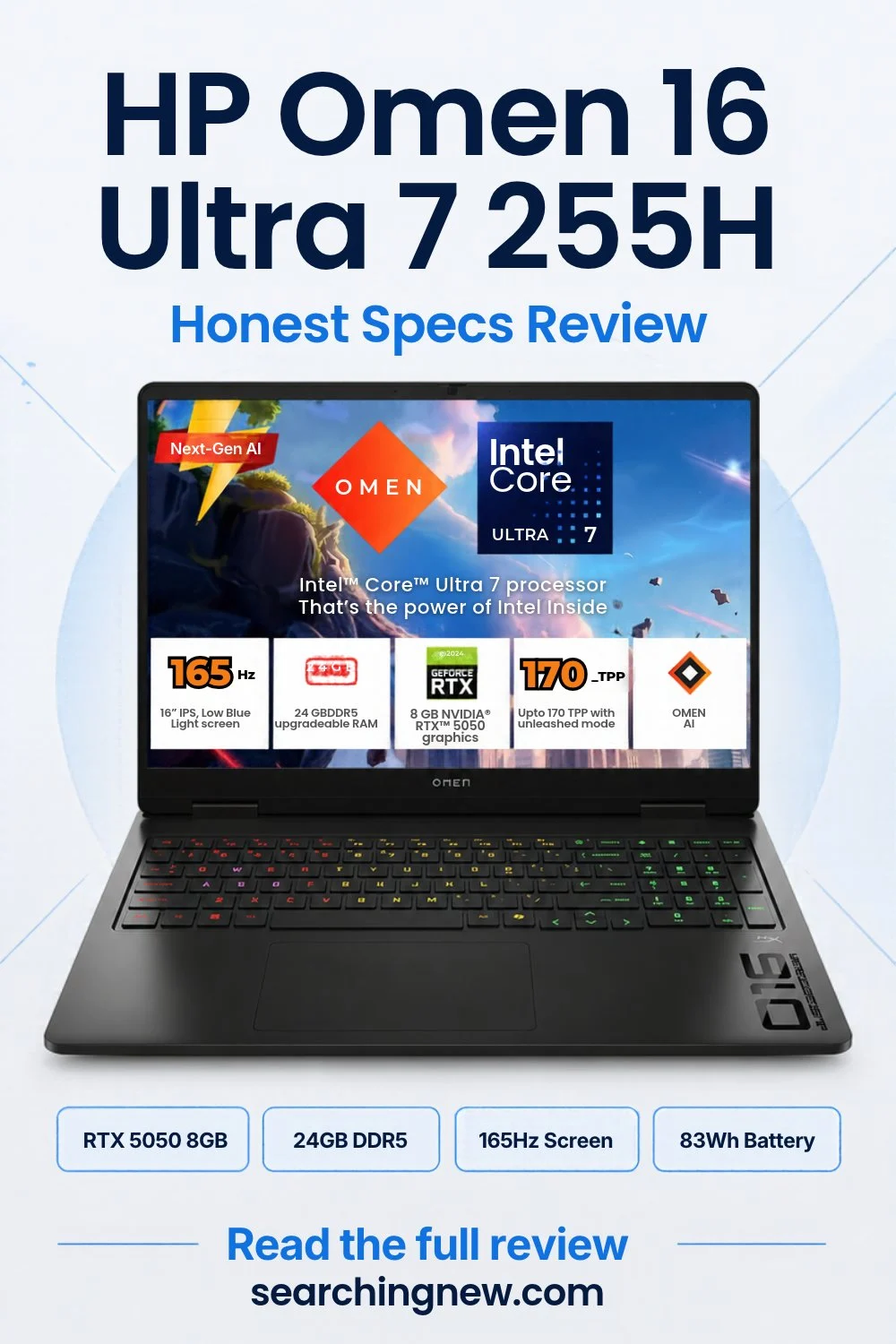
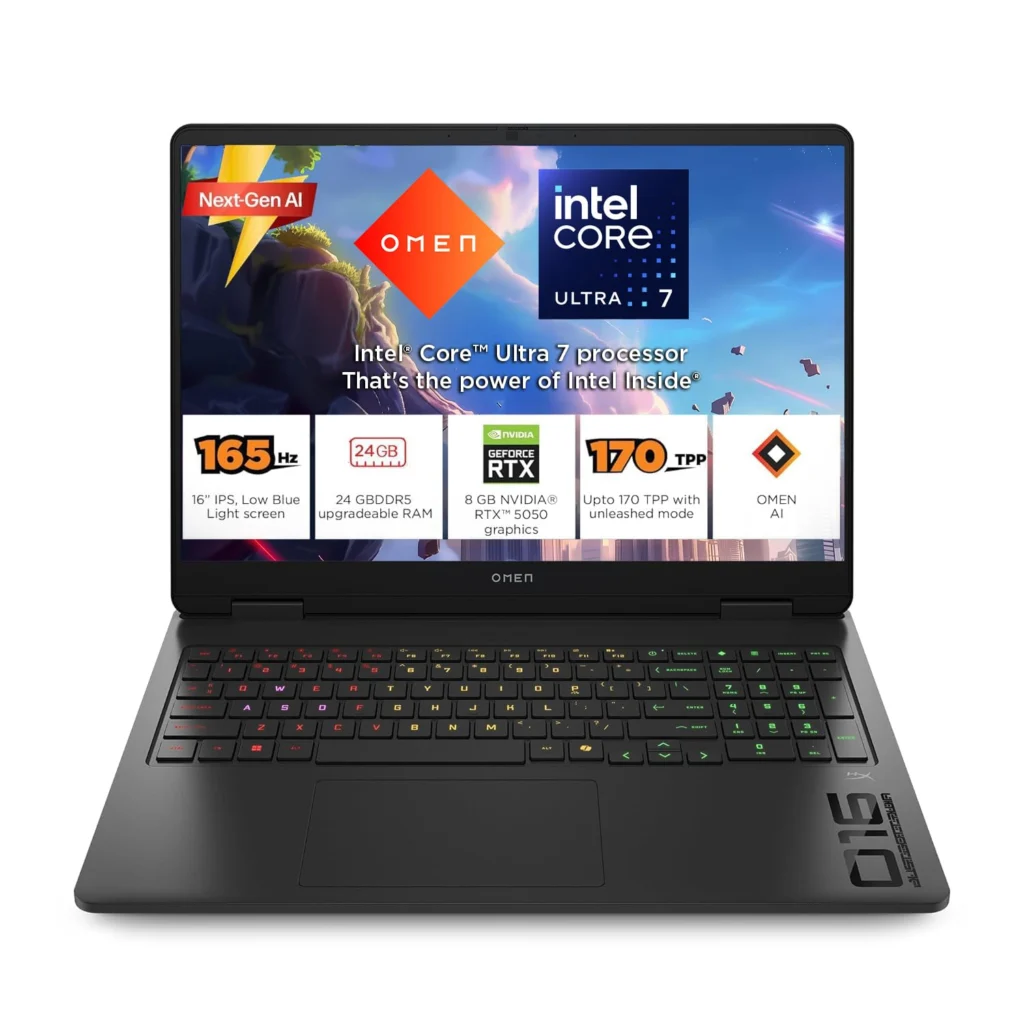
The HP Omen 16 with the Intel Core Ultra 7 255H is a 16-inch gaming laptop built for 1080p-class gaming, coding, video editing and heavy multitasking. This version (model am0240tx) pairs the 16-core Core Ultra 7 255H with an NVIDIA GeForce RTX 5050 8GB, 24GB of DDR5 RAM, a 1TB SSD and a 165Hz screen.
In short: it is a solid all-rounder with good upgrade room and a big 83Wh battery, but the RTX 5050 is an entry-level gaming GPU. If you mainly play demanding new games, the RTX 5060 or RTX 5070 versions are the better buy. Below you will find the full specs, what each part means in real use, the things most reviews skip, and who should buy it.
Disclosure: This post contains affiliate links. If you buy through them, SearchingNew may earn a small commission at no extra cost to you.
HP Omen 16 Ultra 7 255H: quick verdict
- Buy it if you want one laptop for esports games, programming, editing and college or office work, and you like the idea of upgrading RAM and storage later.
- Skip it if you want high frame rates in the newest AAA games at high settings, need Thunderbolt, or want a light laptop to carry every day (it weighs about 2.4 kg).
HP Omen 16 (am0240tx) full specifications
| Part | Specification |
|---|---|
| Processor | Intel Core Ultra 7 255H (16 cores, 16 threads, up to 5.1 GHz, 24MB L3 cache) |
| Graphics | NVIDIA GeForce RTX 5050 Laptop GPU, 8GB GDDR7 + Intel Arc integrated graphics |
| RAM | 24GB DDR5-5600 (1 x 24GB), two slots, upgradeable |
| Storage | 1TB PCIe NVMe SSD |
| Display | 16-inch, 1920 x 1200 (WUXGA), IPS, 60–165Hz, 3ms, 400 nits, 100% sRGB, anti-glare |
| Ports | 1x USB-C 10Gbps (Power Delivery, DisplayPort 1.4), 1x USB-A 10Gbps, 2x USB-A 5Gbps, HDMI 2.1, RJ-45 Ethernet, audio combo jack |
| Wireless | Wi-Fi 6 (2×2), Bluetooth 5.4 |
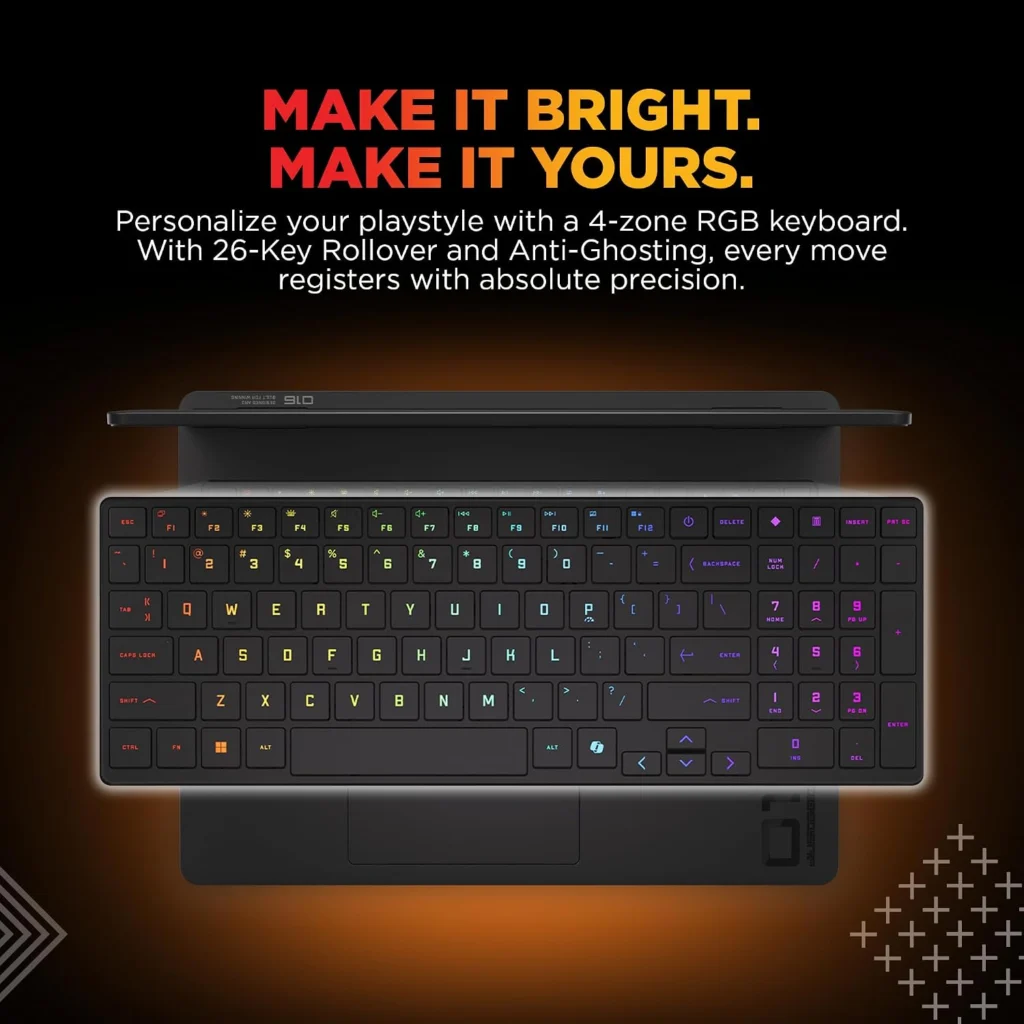
| Keyboard | Full-size 4-zone RGB with numeric keypad, 26-key rollover anti-ghosting |
| Webcam | 1080p FHD with dual microphones |
| Battery | 6-cell 83Wh, fast charge about 50% in 30 minutes |
| Charger | 230W smart AC adapter |
| Weight | About 2.4 kg |
| Software | Windows 11 Home, MS Office Home 2024, PC Game Pass trial |
Specs are taken from the HP Omen 16 am0240tx listing on Amazon and HP’s official Omen 16 page.
Intel Core Ultra 7 255H: what it means for you
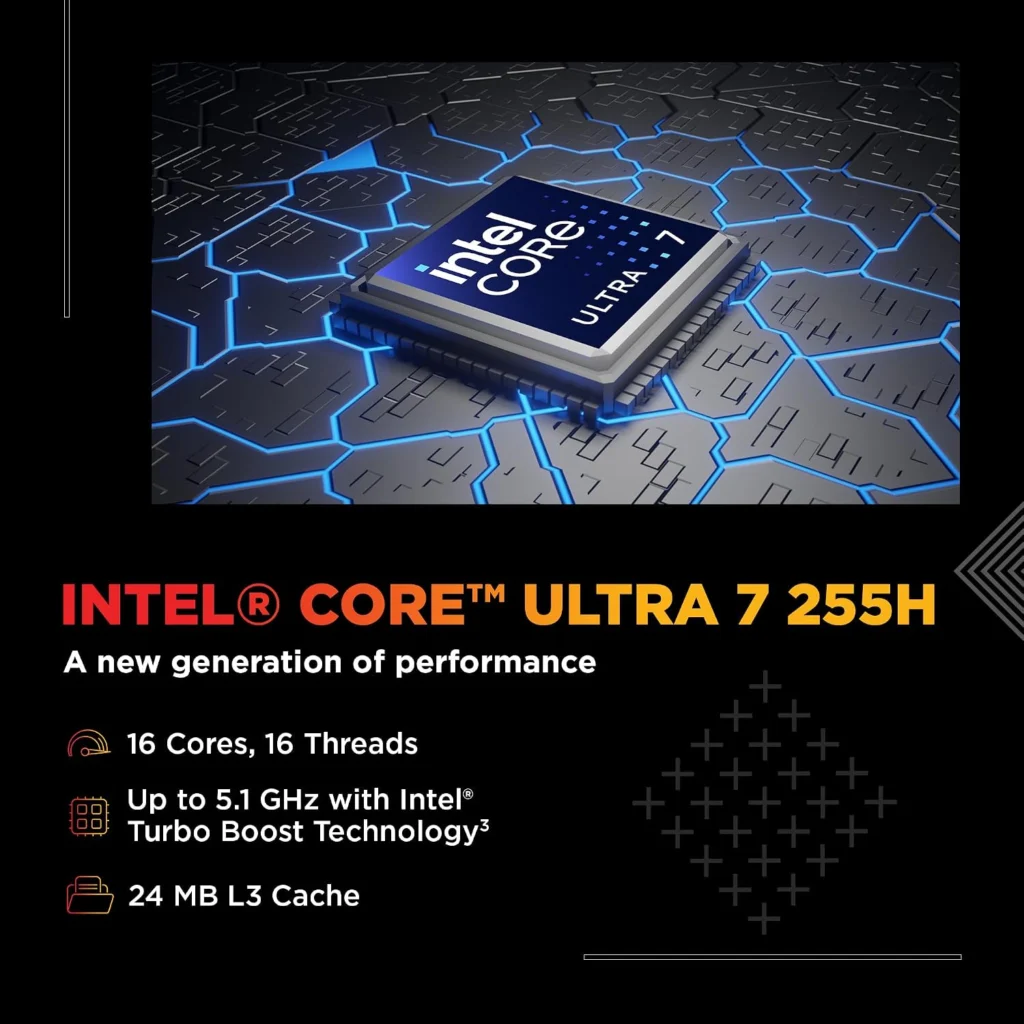
The Core Ultra 7 255H is part of Intel’s Arrow Lake-H family. According to Intel’s spec page, it has 16 cores: 6 performance cores, 8 efficient cores and 2 low-power efficient cores, with a top speed of 5.1 GHz.
In daily use, that is more than enough for gaming, coding, running virtual machines, Photoshop and 4K video editing. Because it is an “H” chip (not “HX”), it also uses less power at light loads, which helps battery life.
Ultra 7 255H vs Ultra 7 255HX: don’t mix them up
Many people search for both names. They are different chips. The 255HX (used in the more expensive Omen Max 16) has 20 cores and is built for maximum performance when plugged in. The 255H in this Omen 16 has 16 cores and is more balanced between speed and battery life. For most gamers, the GPU matters more than this difference.
Is it a Copilot+ AI PC?
No. The built-in NPU (AI engine) on Arrow Lake-H is rated at about 13 TOPS, while Microsoft’s Copilot+ features need 40+ TOPS. You still get normal Copilot and AI apps, and the RTX 5050 can run many local AI tools much faster than the NPU anyway.
RTX 5050 gaming performance: what to expect
The RTX 5050 Laptop GPU is NVIDIA’s entry-level RTX 50 series chip. It has 8GB of fast GDDR7 memory and supports DLSS 4 with Multi Frame Generation and Reflex 2.
- Esports games (Valorant, CS2, Fortnite on competitive settings, League of Legends): high frame rates that can use the 165Hz screen well.
- Newer AAA games: playable at 1080p/1200p with medium to high settings, and DLSS helps a lot. Very demanding titles will need lower settings.
- Creative work: good for Premiere Pro, DaVinci Resolve, Blender and other CUDA-accelerated apps at a beginner to mid level.
Raw performance (without frame generation) is roughly in the range of the older RTX 4060 Laptop GPU, and the RTX 5060 Laptop is about 20% faster in 3DMark tests, according to Notebookcheck. If gaming is your top priority, that gap is worth considering.
RTX 5050 TGP: how to check it on your laptop
TGP (Total Graphics Power) decides how fast a laptop GPU really runs. NVIDIA allows the RTX 5050 Laptop GPU to run from about 35W up to 100W (115W with Dynamic Boost). HP does not show the exact TGP on this listing, so check it yourself after setup:
- Right-click the desktop and open NVIDIA Control Panel.
- Click Help > System Information.
- Under the Display tab, look for Maximum Graphics Power.
For best results, plug in the charger and set the performance mode in the OMEN Gaming Hub. HP says the Omen 16 supports an “Unleashed Mode” with up to 170W of combined CPU and GPU power.
Display: is it really 2K?
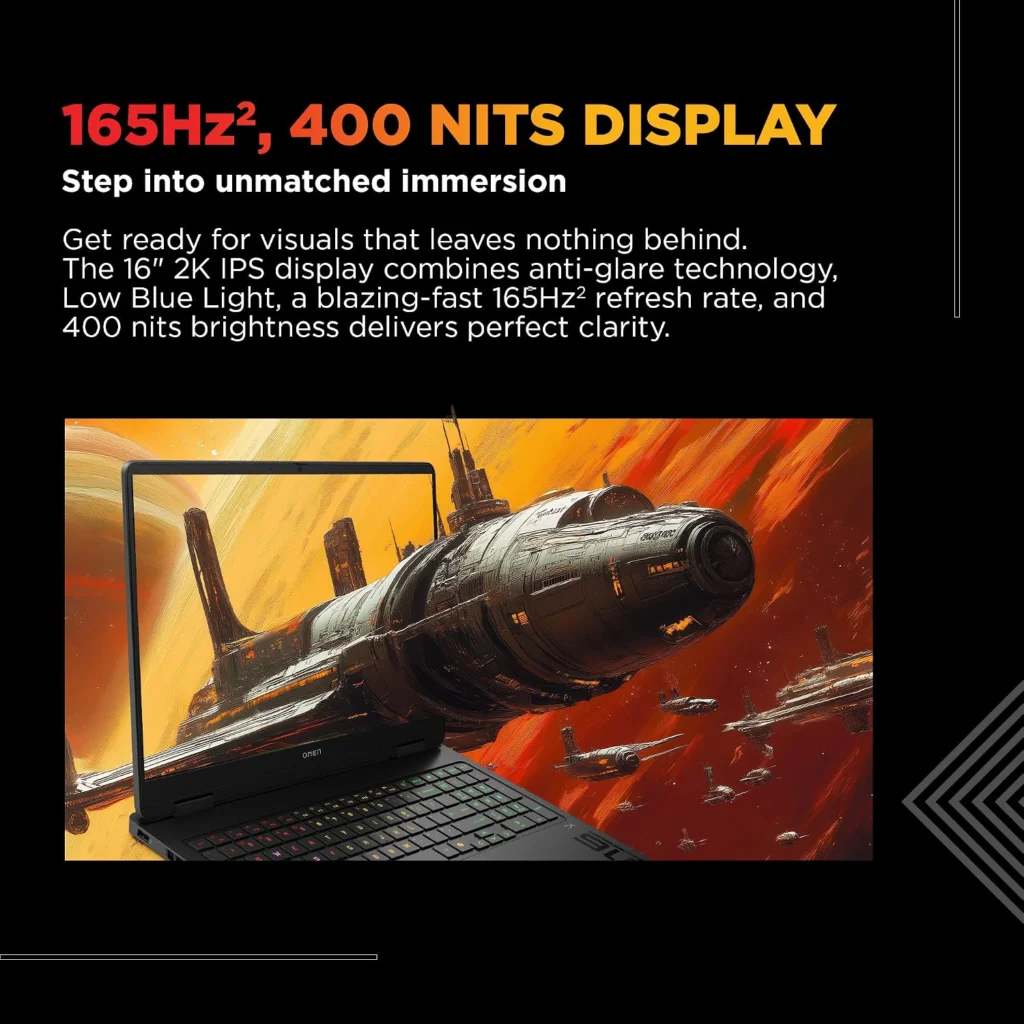
The listing calls the screen “2K”, but the actual resolution is 1920 x 1200 (WUXGA). That is Full HD with a little extra height (16:10), not 2560 x 1440 QHD. This is not a bad thing: at 16 inches it still looks sharp, and the RTX 5050 can push higher frame rates at this resolution than it could at true QHD.
The rest of the panel is good for the price class: IPS, 165Hz, 3ms response, 400 nits brightness and 100% sRGB, so it works for both gaming and basic photo editing.
This model ships with one 24GB stick of DDR5-5600. That means the memory runs in single-channel mode. It works fine for most tasks, but single-channel memory can lower performance in some CPU-heavy games and in anything that uses the integrated graphics.
The good news: the Omen 16 has two RAM slots and two M.2 2280 PCIe 4.0 SSD slots, as shown in LaptopMedia’s disassembly guide. A simple upgrade path:
- Add a second 24GB DDR5-5600 SODIMM to get 48GB in dual-channel mode.
- Add a second M.2 2280 NVMe SSD for your game library, so you don’t need to delete games often.
Before opening the laptop, keep your invoice and check HP’s warranty terms for your country.
Battery life and charging
The 83Wh battery is large for a gaming laptop. For light work like browsing, documents and video, expect several hours when you use the Balanced or Eco mode in OMEN Gaming Hub. Gaming on battery drains it quickly and lowers performance, so plug in when you play. Fast charging can refill about 50% in 30 minutes using the included 230W adapter.
Ports, keyboard, webcam and cooling
- Ports: HDMI 2.1, Ethernet and three USB-A ports cover most needs. The USB-C port supports DisplayPort and charging, but there is no Thunderbolt.
- Keyboard: full-size with a numeric keypad and 4-zone RGB lighting, which you can change in OMEN Gaming Hub.
- Webcam: 1080p, which is better than the 720p cameras on many gaming laptops.
- Cooling: HP says it improved airflow in the 2025 Omen 16 with a bigger fan gap and an extra heat pipe. Like any gaming laptop, fans get loud under heavy load.
Pros and cons
| Pros | Cons |
|---|---|
| 16-core CPU handles gaming and work well | RTX 5050 is entry-level for new AAA games |
| 165Hz, 400-nit, 100% sRGB screen | “2K” label is really 1920 x 1200 |
| 24GB RAM, two RAM and two SSD slots | RAM ships as a single stick (single-channel) |
| Big 83Wh battery with fast charging | No Thunderbolt port |
| 1080p webcam, Wi-Fi 6, Bluetooth 5.4 | 2.4 kg plus a large 230W charger |
HP Omen 16 RTX 5050 vs other options
| Laptop | CPU | GPU | Best for |
|---|---|---|---|
| HP Omen 16 (this model) | Core Ultra 7 255H | RTX 5050 8GB | Balanced gaming + work, upgrades |
| HP Omen 16 RTX 5060 version | Core Ultra 7 255H | RTX 5060 8GB | About 20% more GPU power for gaming |
| HP Omen 16 RTX 5070 version | Ryzen 9 8940HX / Core Ultra 9 | RTX 5070 8GB | Higher settings in AAA games |
| HP Omen Max 16 | Core Ultra 7 255HX / Ultra 9 275HX | RTX 5070 Ti and above | Enthusiast gaming, big budget |
If you are comparing brands, see our best gaming laptop picks by budget, the ASUS TUF Gaming F16 review and the Acer Predator Helios Neo 14 review.
Things to do right after you buy it
- Check the warranty start date. Several buyers on Amazon reported that the HP warranty showed an earlier start date than their purchase. Open the HP app or HP’s warranty check page with your serial number. If the date is wrong, contact HP support with your invoice to correct it.
- Update everything. Run Windows Update, update the GPU driver through the NVIDIA app, and update the BIOS and drivers through the HP Support Assistant. Some buyers reported screen tearing that went away after updates.
- Inspect the screen. Open a full black and a full white image and look for lines or dead pixels within the return window.
- Set the right power mode. Use Performance or Unleashed mode while plugged in for gaming, and Balanced or Eco mode on battery.
Common problems and quick fixes
Games stutter or FPS is lower than expected
Make sure the charger is connected, select Performance mode in OMEN Gaming Hub, and check that the game runs on the RTX 5050 (Windows Settings > System > Display > Graphics > set the game to High performance). Adding a second RAM stick for dual-channel can also help in CPU-heavy games.
Laptop gets hot and loud
Use it on a hard, flat surface, keep the rear and side vents clear, and try a cooling pad. Fan noise under load is normal for gaming laptops. For general slowness, our guide on how to fix a slow laptop on Windows 11 covers more steps.
Battery drains fast
Switch to Eco or Balanced mode, lower the refresh rate to 60Hz on battery, reduce keyboard lighting and close background apps.
Frequently asked questions
Is the HP Omen 16 with Ultra 7 255H good for gaming?
Yes, for esports titles and most games at 1080p/1200p with medium to high settings. For the newest demanding games at high settings, the RTX 5060 or RTX 5070 versions are a better fit.
Can I upgrade the RAM in the HP Omen 16?
Yes. It has two DDR5 SODIMM slots. This model uses one 24GB stick, so you can add a second matching 24GB DDR5-5600 stick for 48GB in dual-channel.
Does the HP Omen 16 have two SSD slots?
Yes. The Omen 16 (16-am0000 series) has two M.2 2280 PCIe 4.0 NVMe slots, so you can add a second SSD.
Is the HP Omen 16 good for video editing and programming?
Yes. The 16-core CPU, 24GB RAM and RTX 5050 with NVIDIA encoders handle coding, 1080p and 4K editing well. For long 4K timelines, upgrading to 48GB RAM helps.
Does the HP Omen 16 support Thunderbolt?
No. It has a 10Gbps USB-C port with DisplayPort 1.4 and charging support, but not Thunderbolt.
RTX 5050 or RTX 5060: which Omen 16 should I buy?
If gaming is your main use and the price difference is small, choose the RTX 5060. If you mostly work, study and play lighter games, the RTX 5050 version saves money and still performs well.
Final verdict
The HP Omen 16 with the Intel Core Ultra 7 255H and RTX 5050 is a well-rounded 16-inch laptop. The CPU is fast, the 165Hz screen is good, the battery is large and the upgrade options are better than many rivals. Its main limits are the entry-level GPU, the single-channel RAM out of the box and the missing Thunderbolt port.
It is a smart pick for students, developers, creators and casual to mid-level gamers. Serious AAA gamers should step up to the RTX 5060 or RTX 5070 versions.